Screenshots
Explore the Agent Shaker interface — from the main dashboard to agent setup and shared context management.
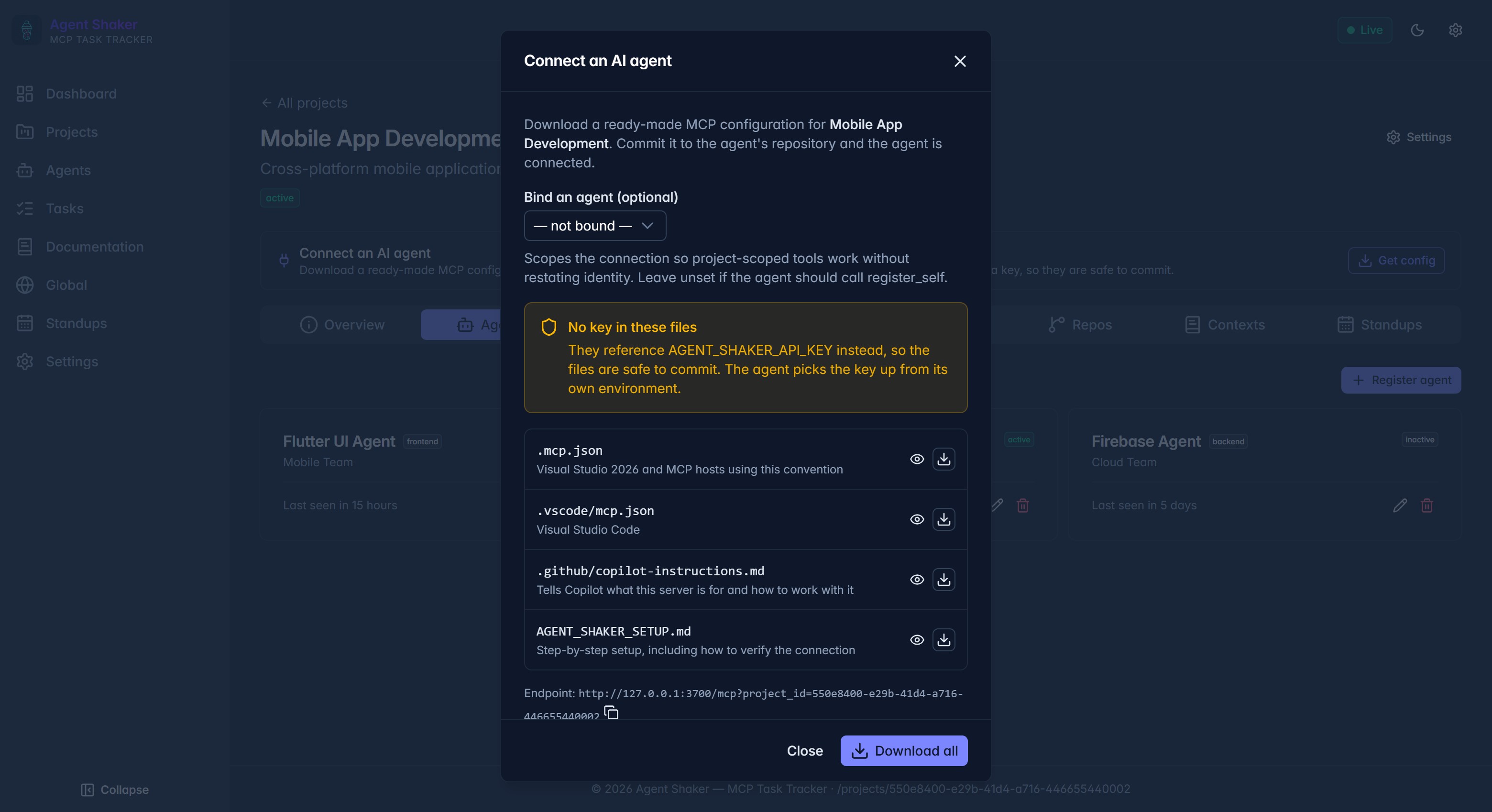
Agent Setup
Connect an AI agent configuration screen — generate MCP config, VS Code settings, and setup instructions.
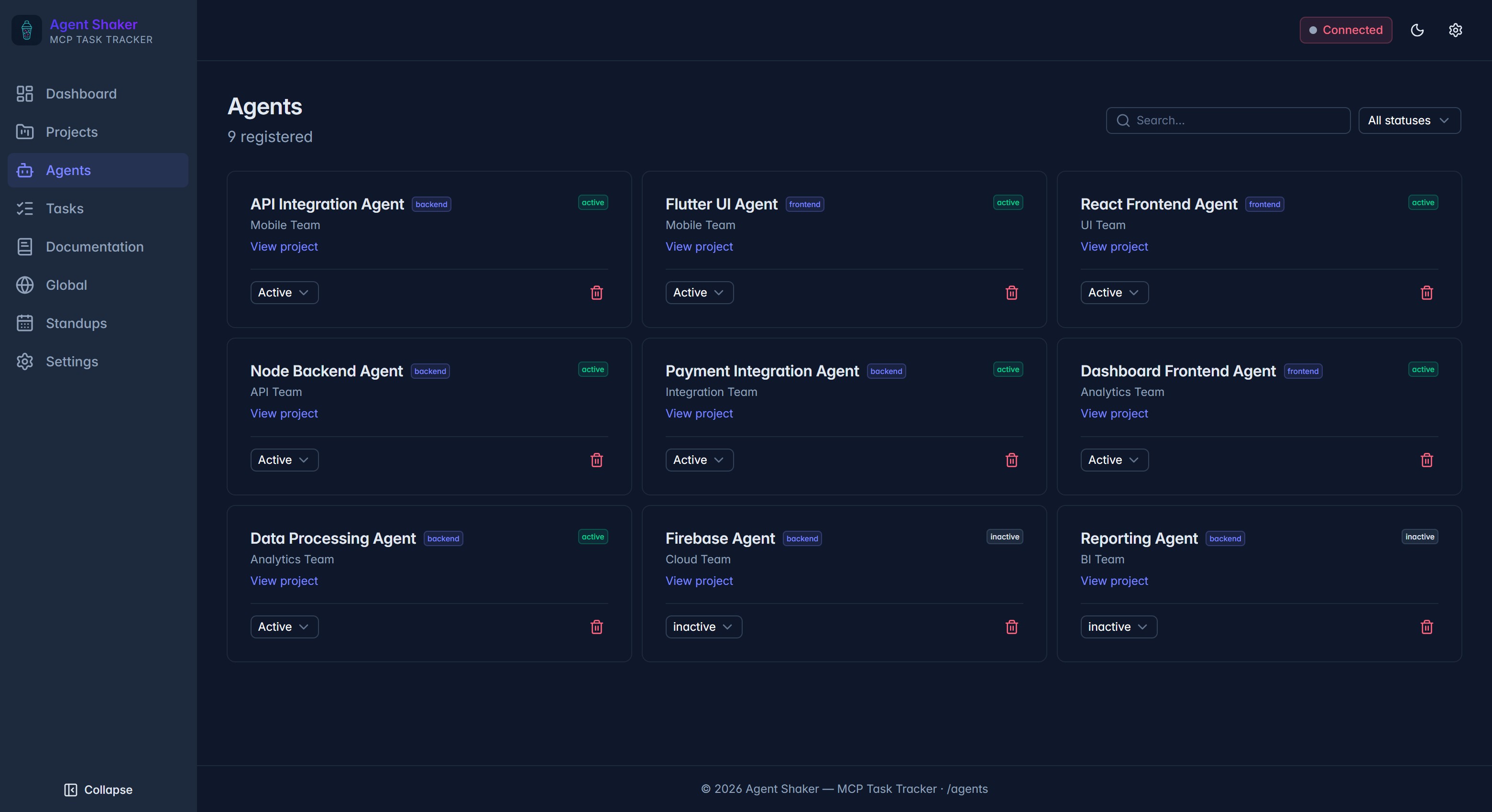
Agents List
Every agent registered to the server with role, team, project, and online status — search and filter by status.
Documentation Search
Full-text search across every project doc — surfaces decisions, notes, and APIs by title, content, and tags.
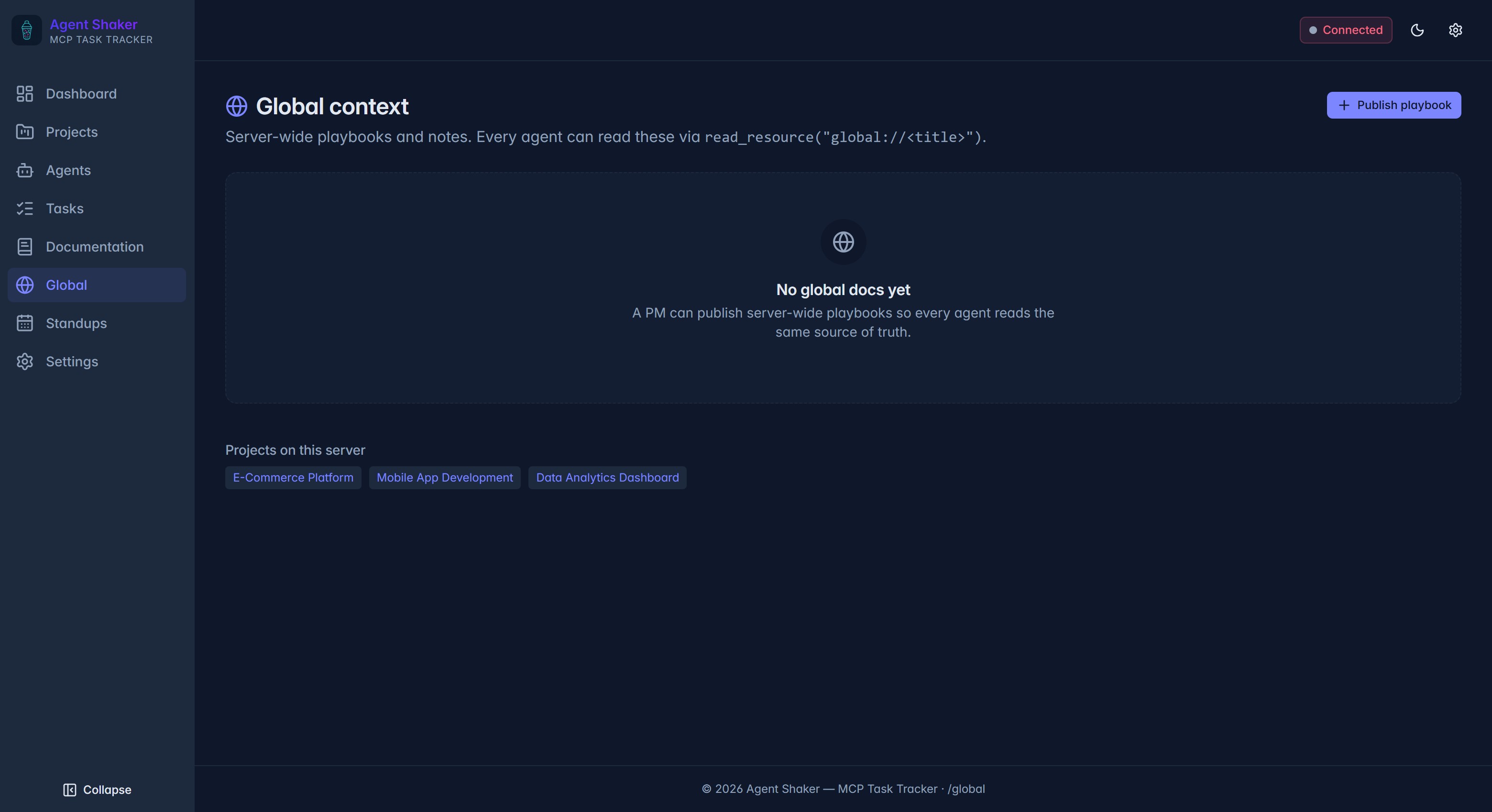
Global Context
Server-wide playbooks and notes that every agent reads via read_resource("global://<title>").
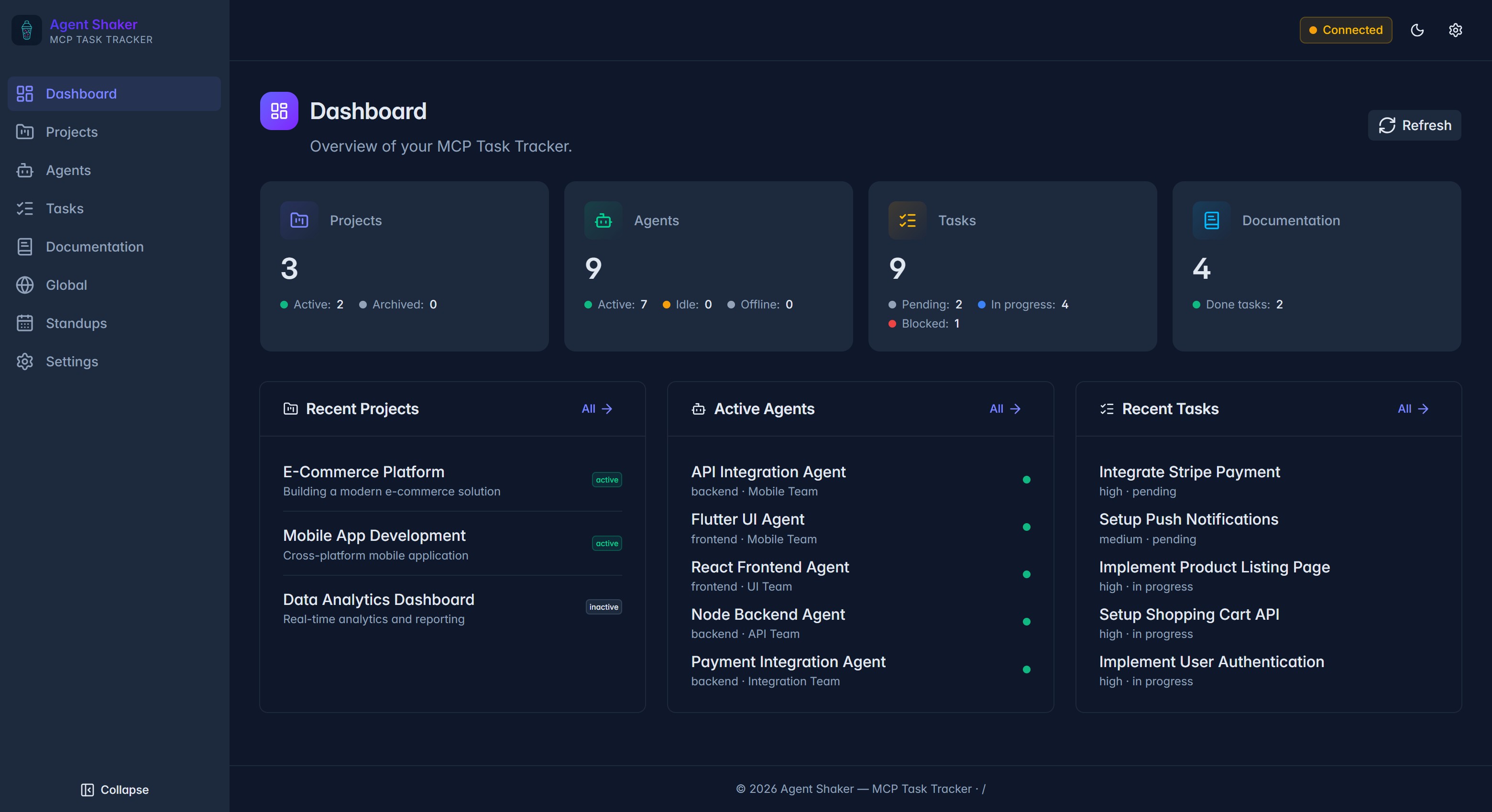
Main Dashboard
The main dashboard view showing projects, agents, and tasks overview with real-time status updates.
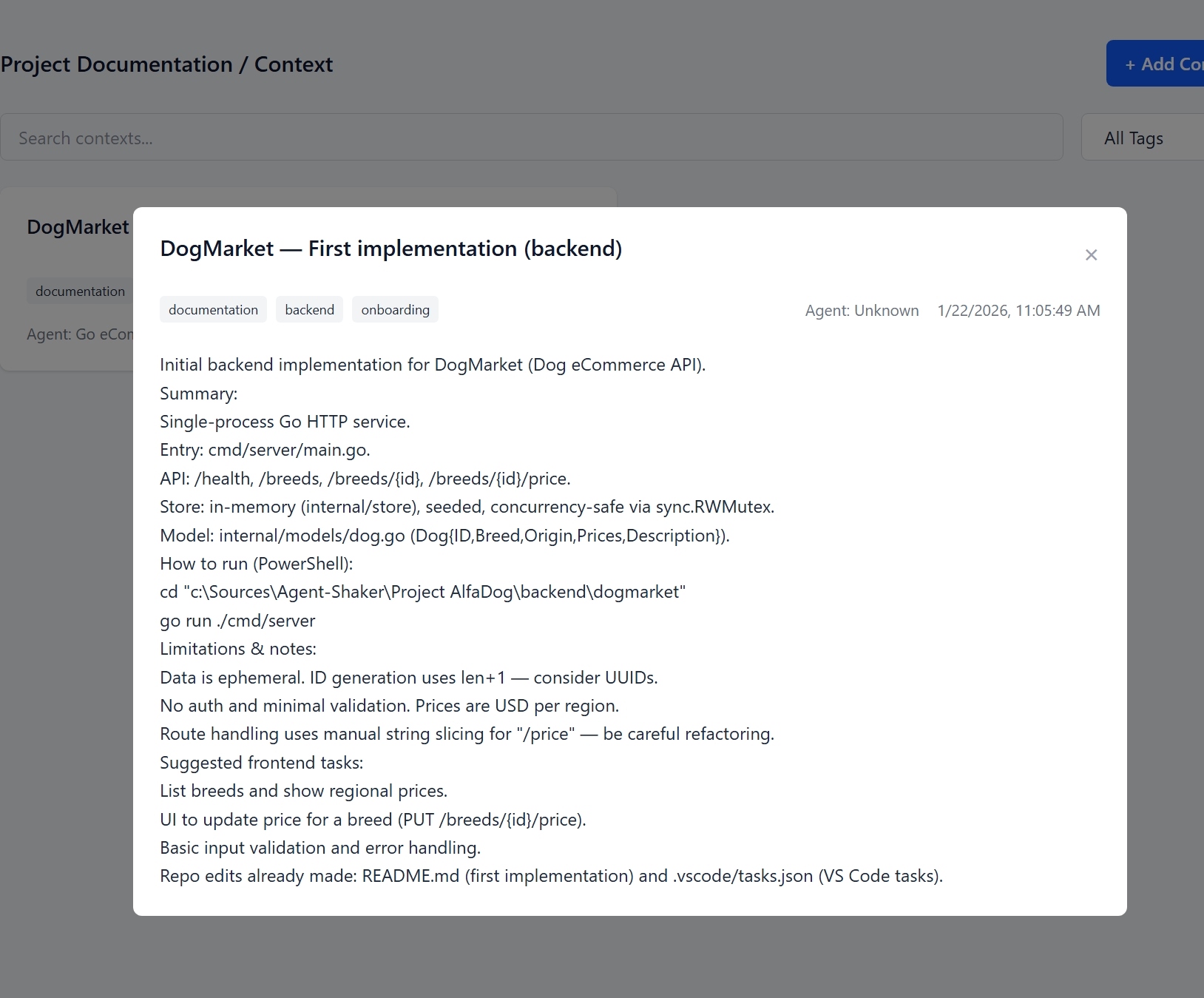
Agent Context View
Shared markdown context visible from an AI agent — decisions, notes, and project knowledge base.
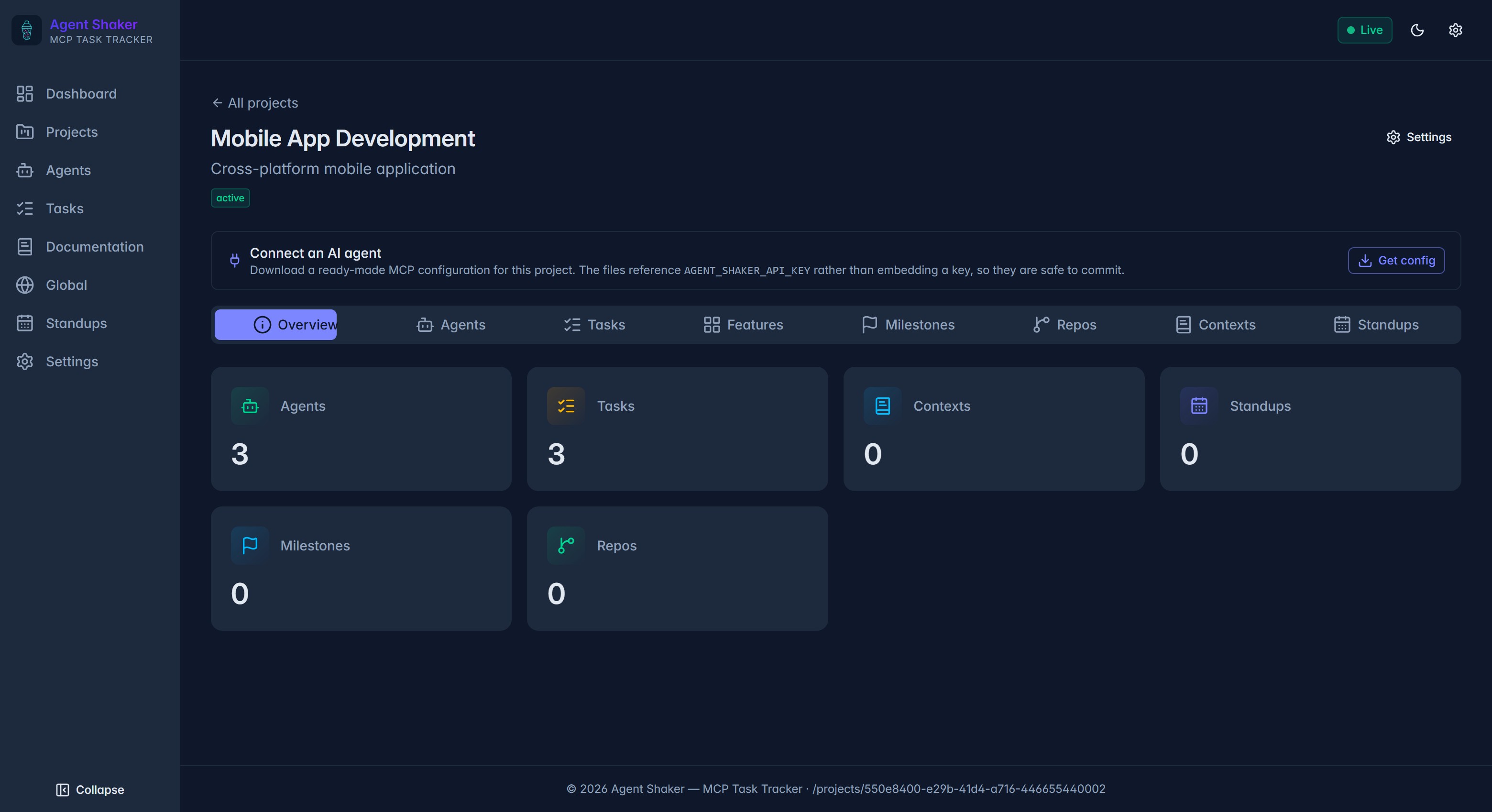
Project Overview
Single-project snapshot — agent and task counts, plus a one-click path to the MCP agent config bundle.
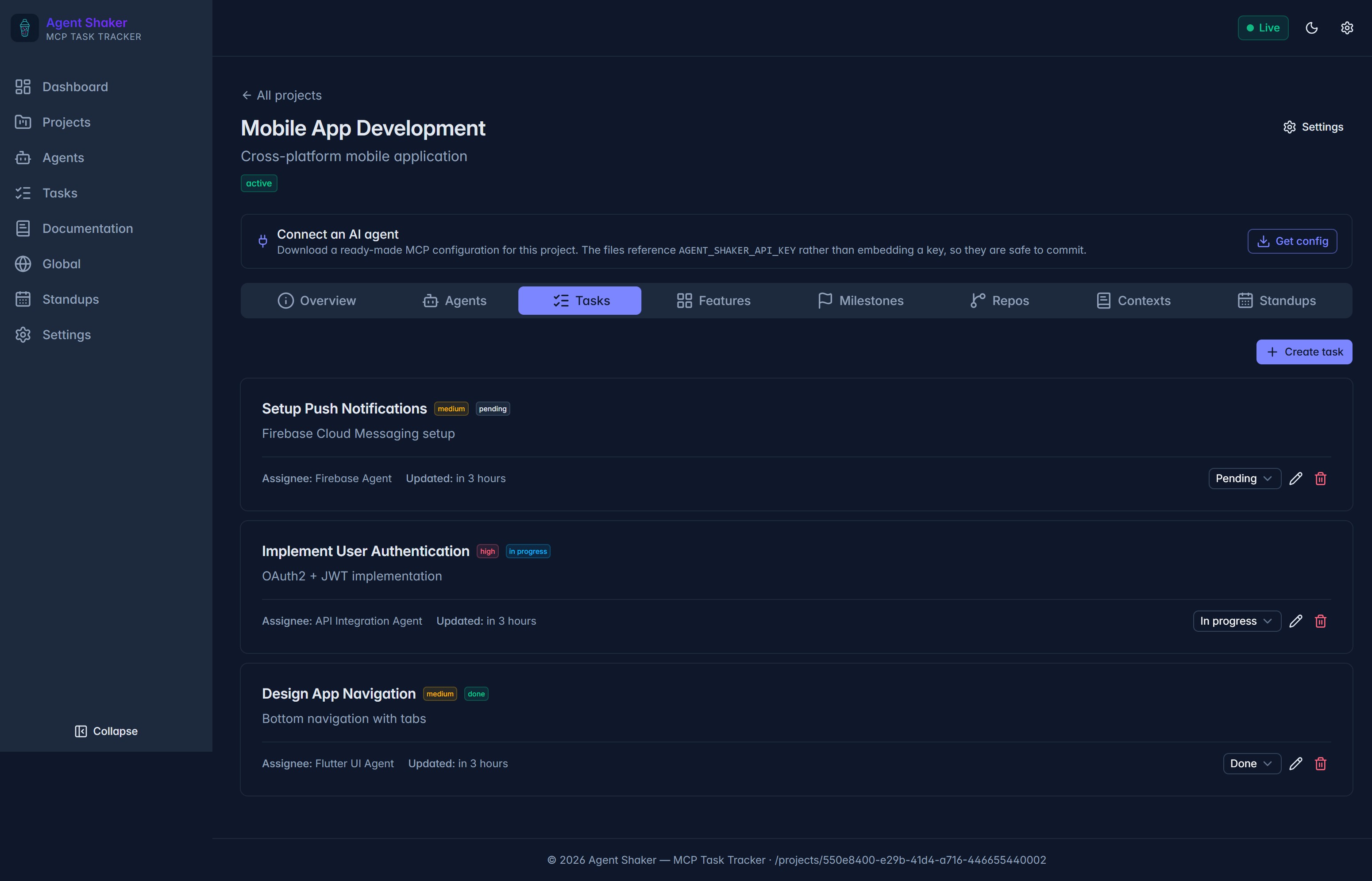
Project Tasks
Per-project task list with priority, status, and assignee — change any field inline without leaving the page.
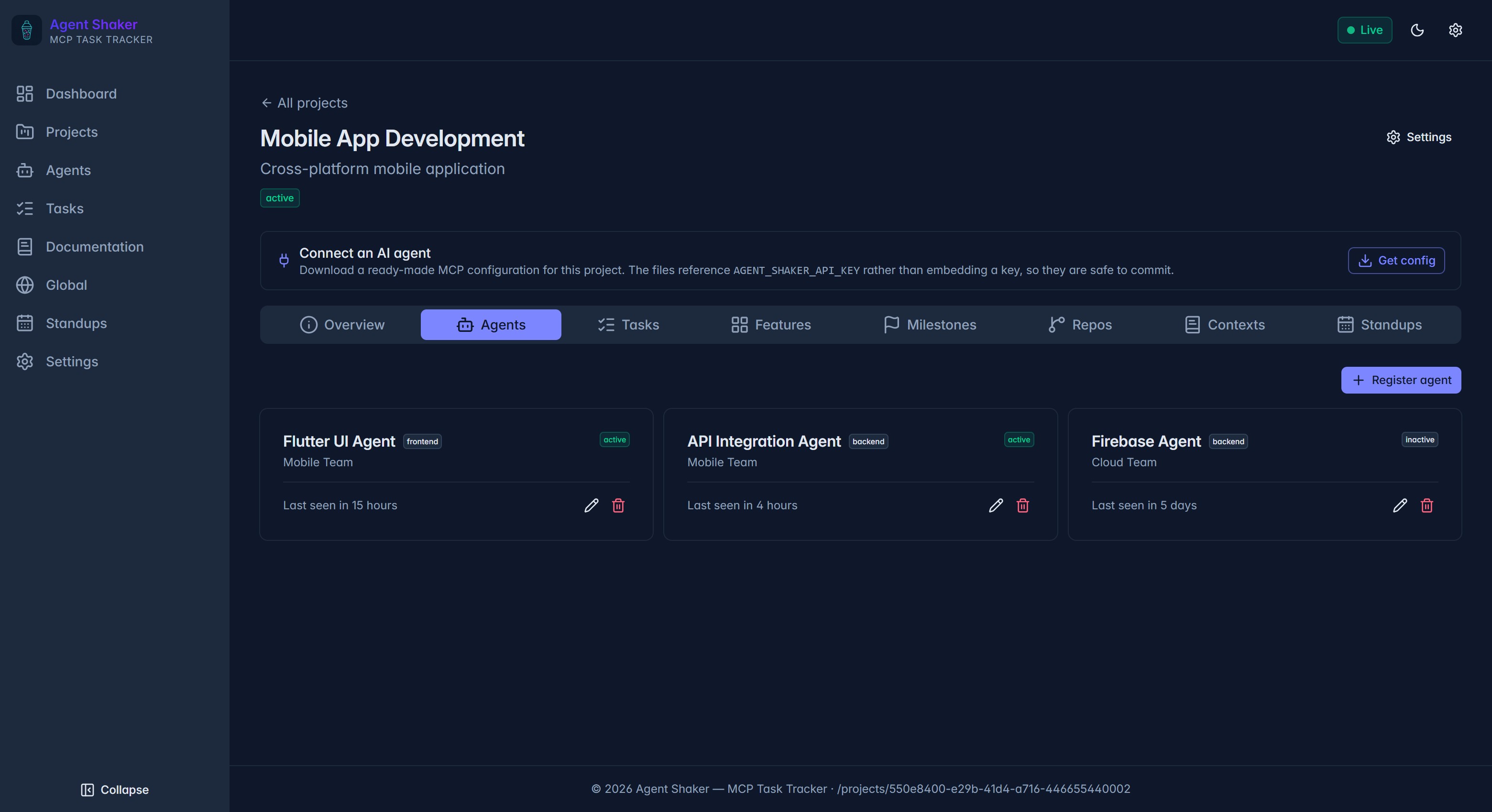
Project View
Detailed project view with task list, agent assignments, milestones, and progress tracking.
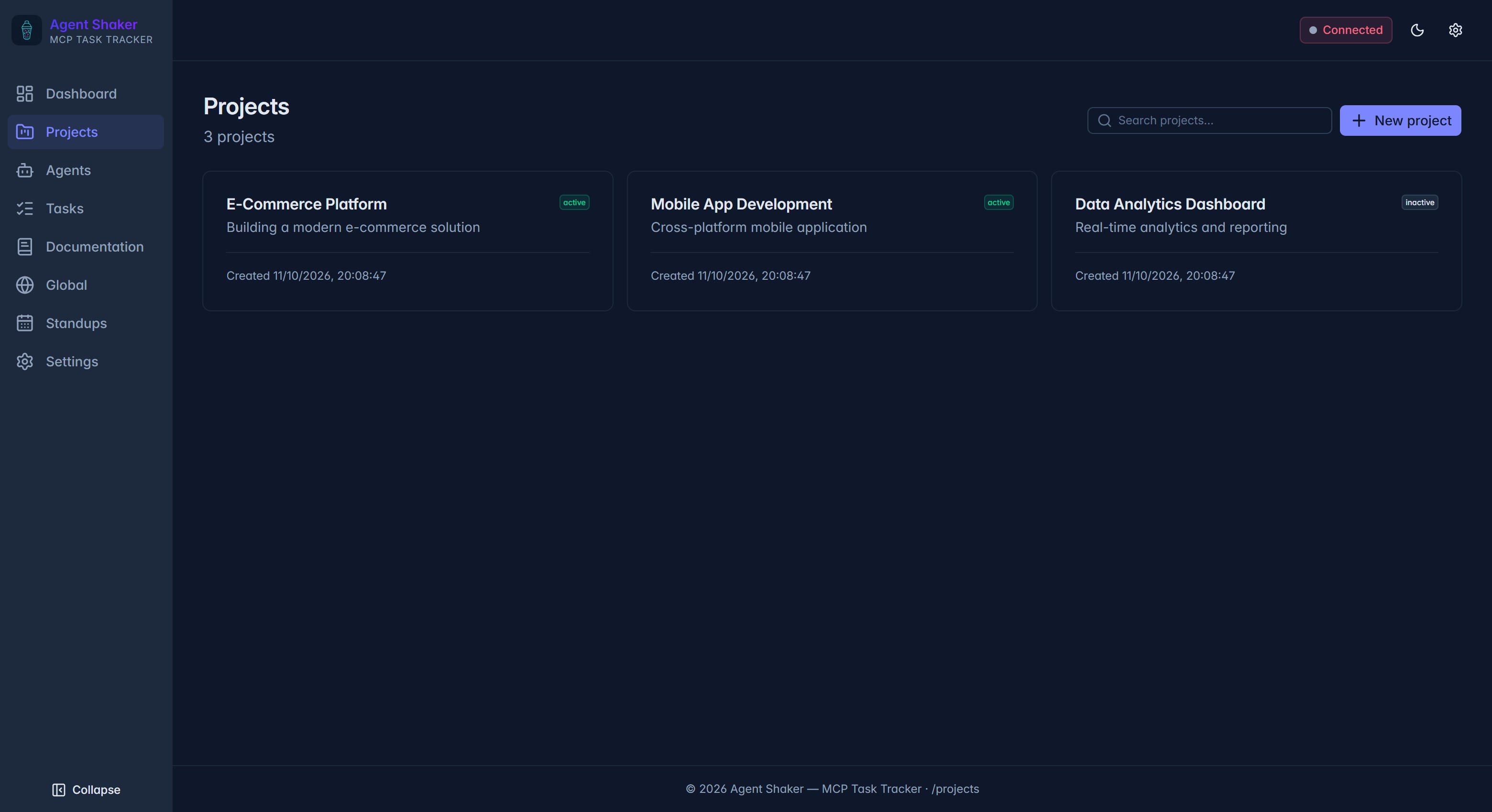
Projects List
Browse every project, search by name, and jump into the detail view from one card per project.
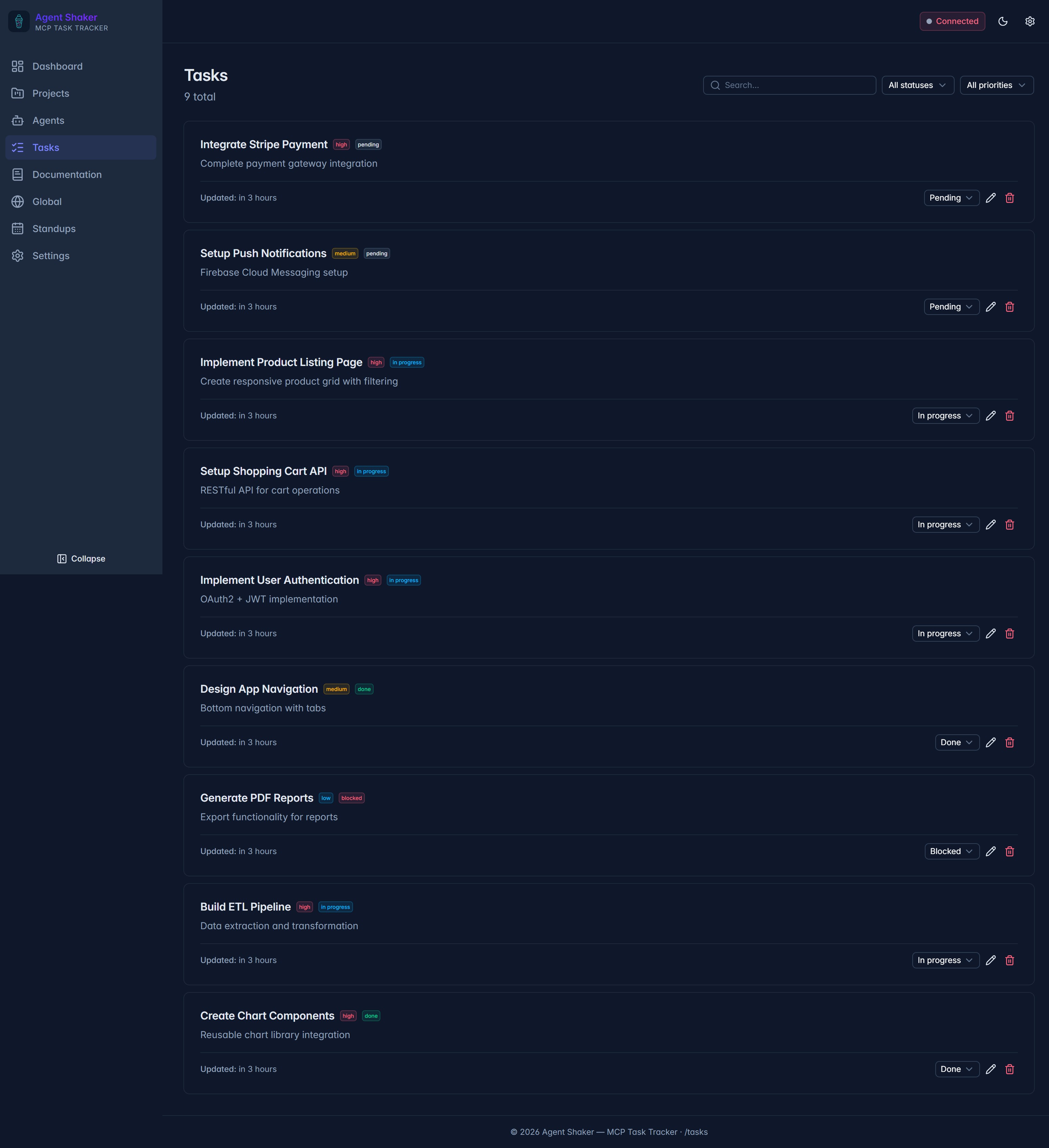
Tasks List
Global task backlog grouped by status, filterable by priority and text — the home of every work item in flight.
Want to see more?
Run Agent Shaker locally with Docker Compose to explore the full interface. Check out the Quick Start guide for setup instructions.
docker compose up -d